






Every AI-generated answer links to the underlying query. See exactly which models and metrics were used, open it in the notebook editor or SQL, and edit if needed. No black boxes.

People only see data they're allowed to see. AI follows the same permission rules you've already set up. No new access layers.
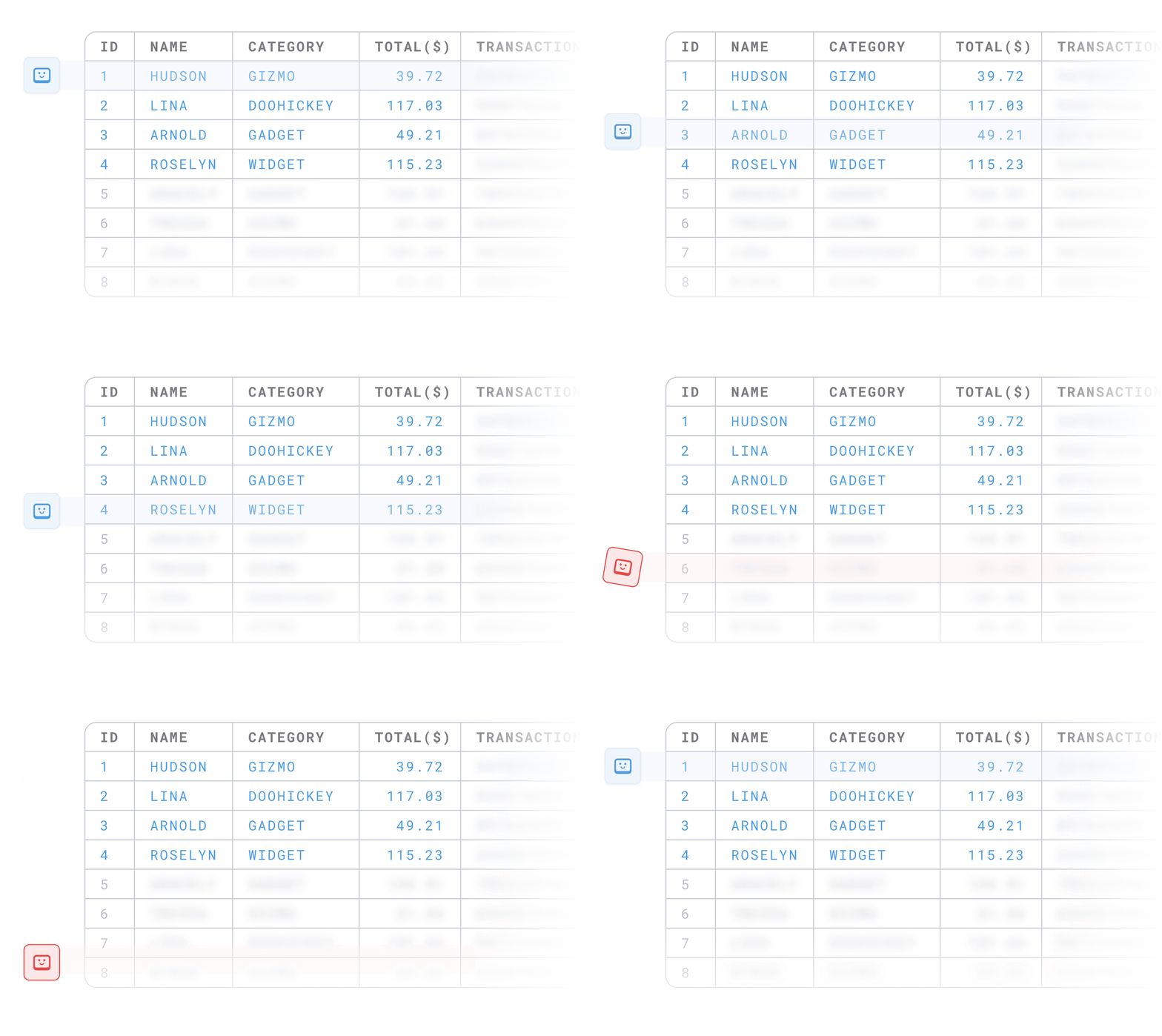
AI uses the metrics, metadata, and definitions you've built in Data Studio. Not generic SQL from a disconnected LLM.
Queries run against your warehouse. Metabot doesn’t ingest, store, or sync your data. Ideal for teams with strict boundaries or customer data segregation.
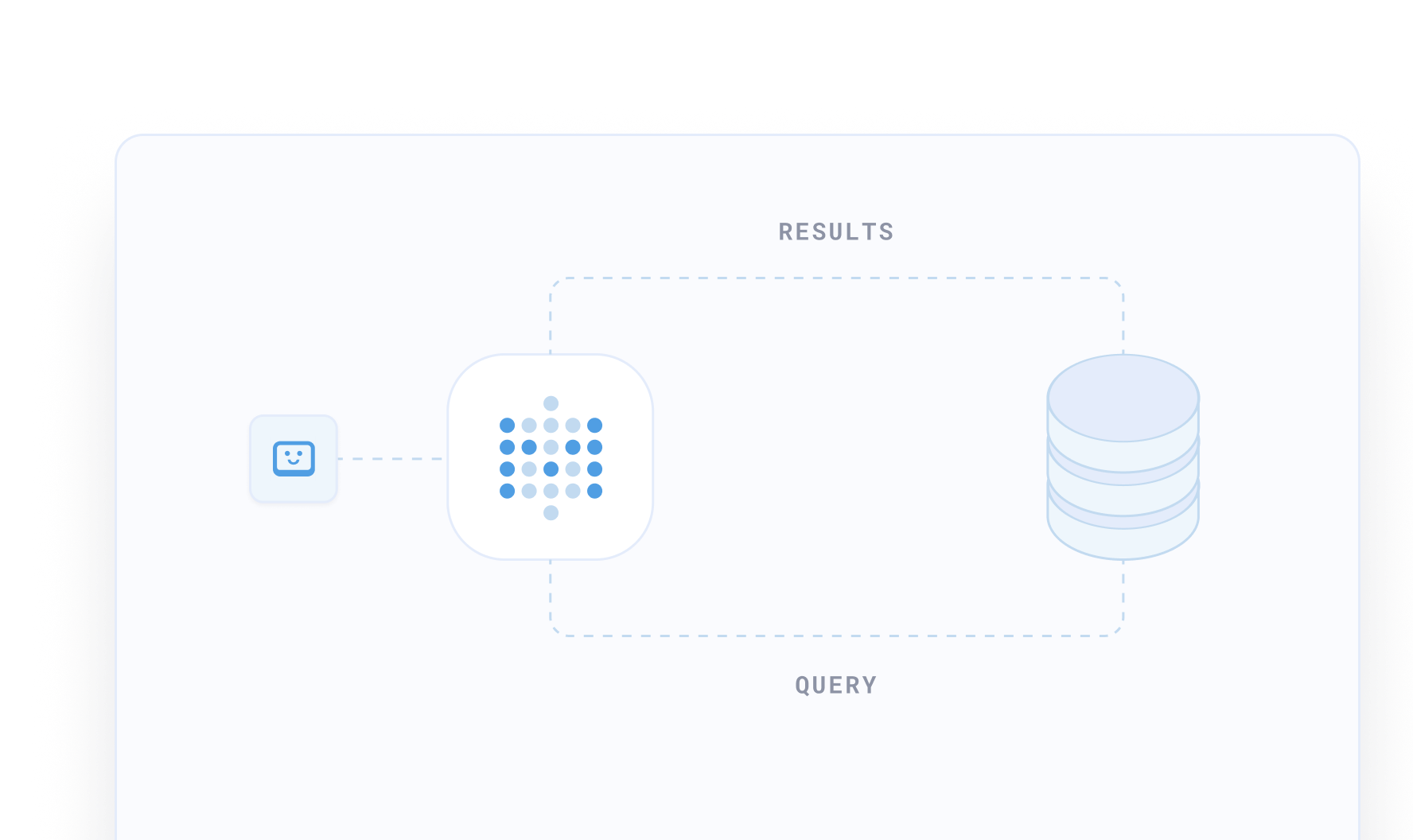
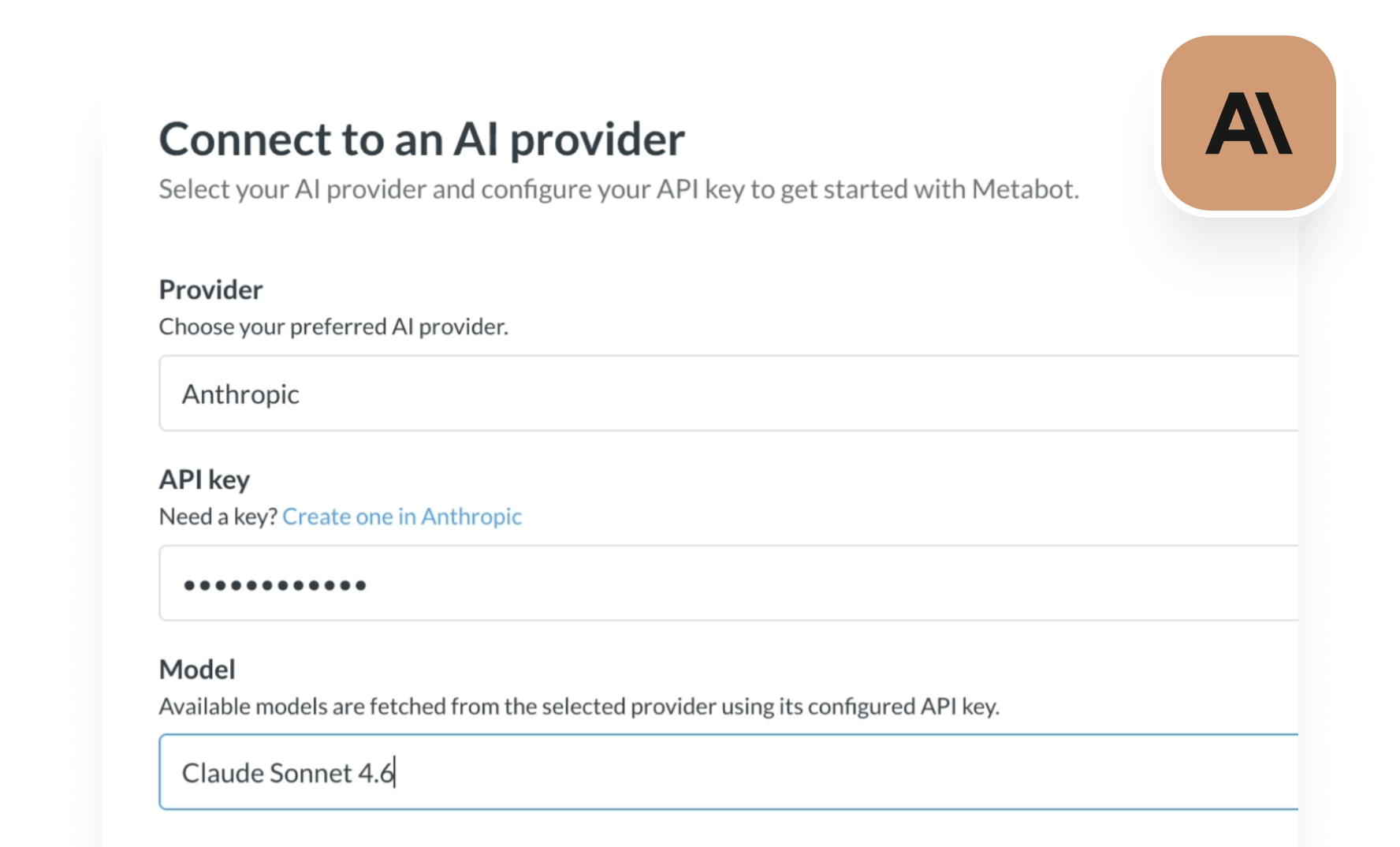
Plug in the AI provider you already use (Anthropic today, more coming). Switch providers and models anytime. Available for Cloud or self-hosted.
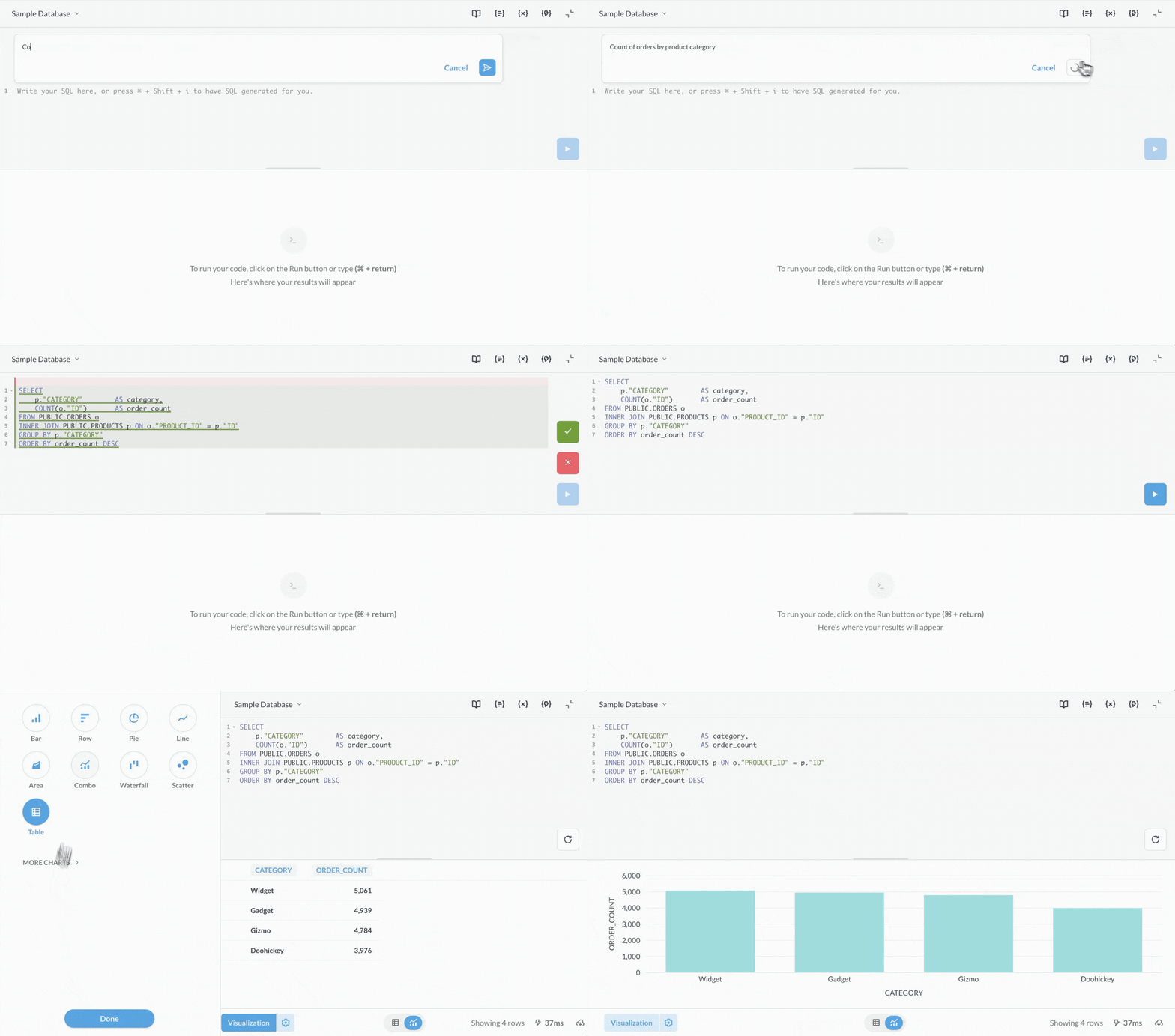
Generate queries, write transforms, and debug faster.
Describe what you want in plain language. Get working SQL grounded in your data model, not hallucinated field names.
Transform raw data in SQL or Python with the help of AI. Describe the logic, get the code.
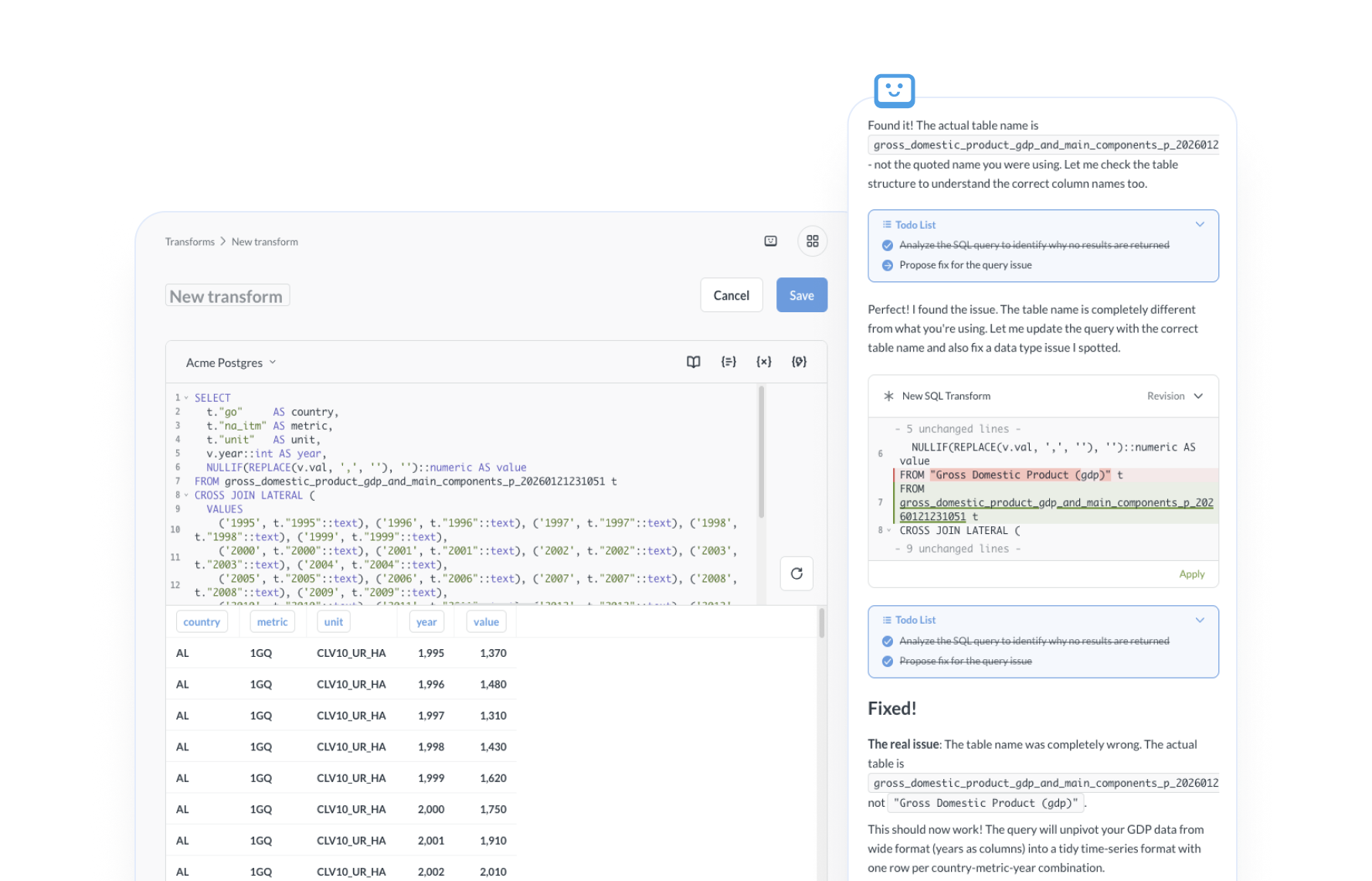
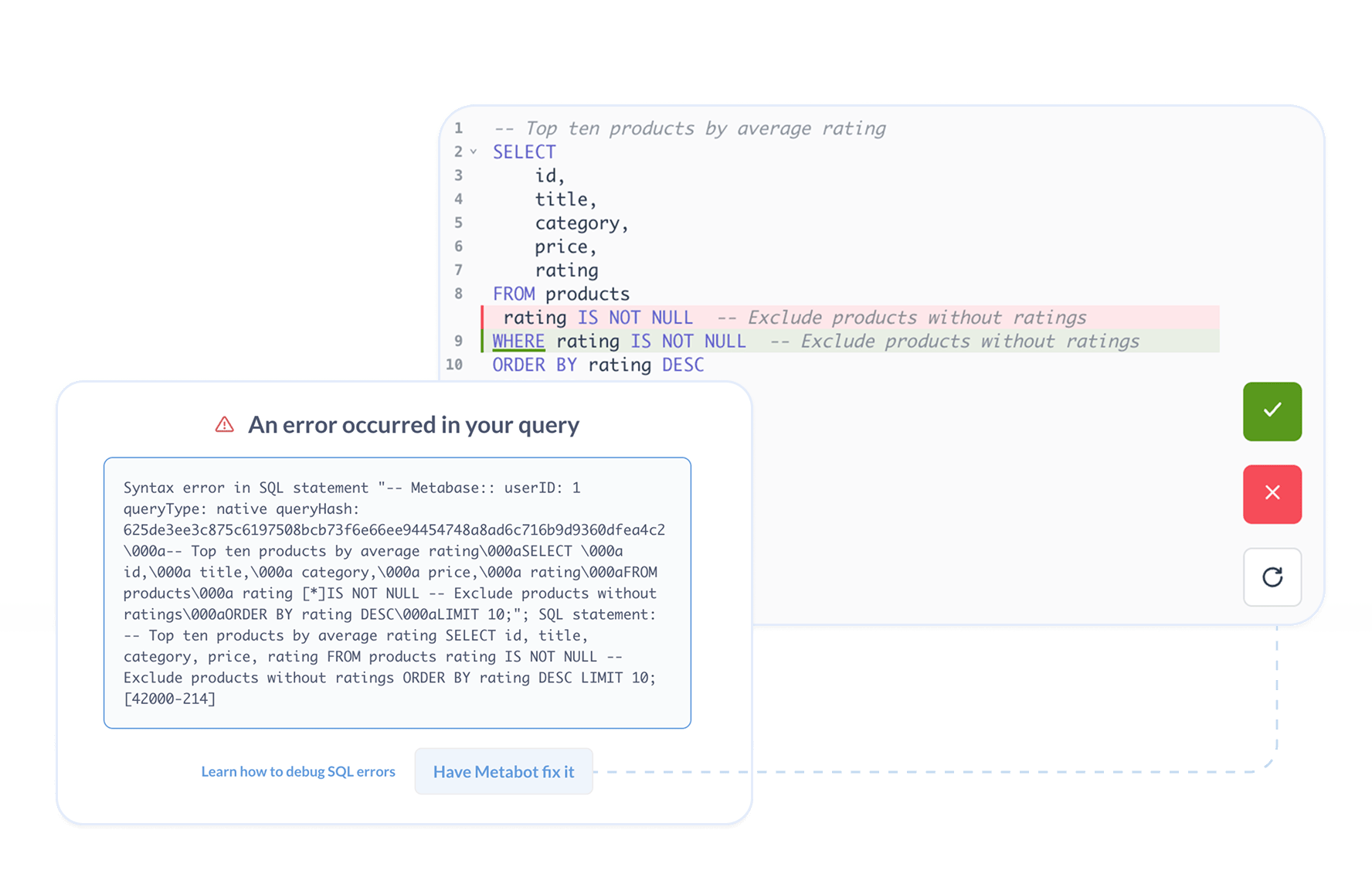
Troubleshoot failing SQL and get an explanation of what's wrong plus a suggested fix.
Ask questions, get summaries, and find what you need.
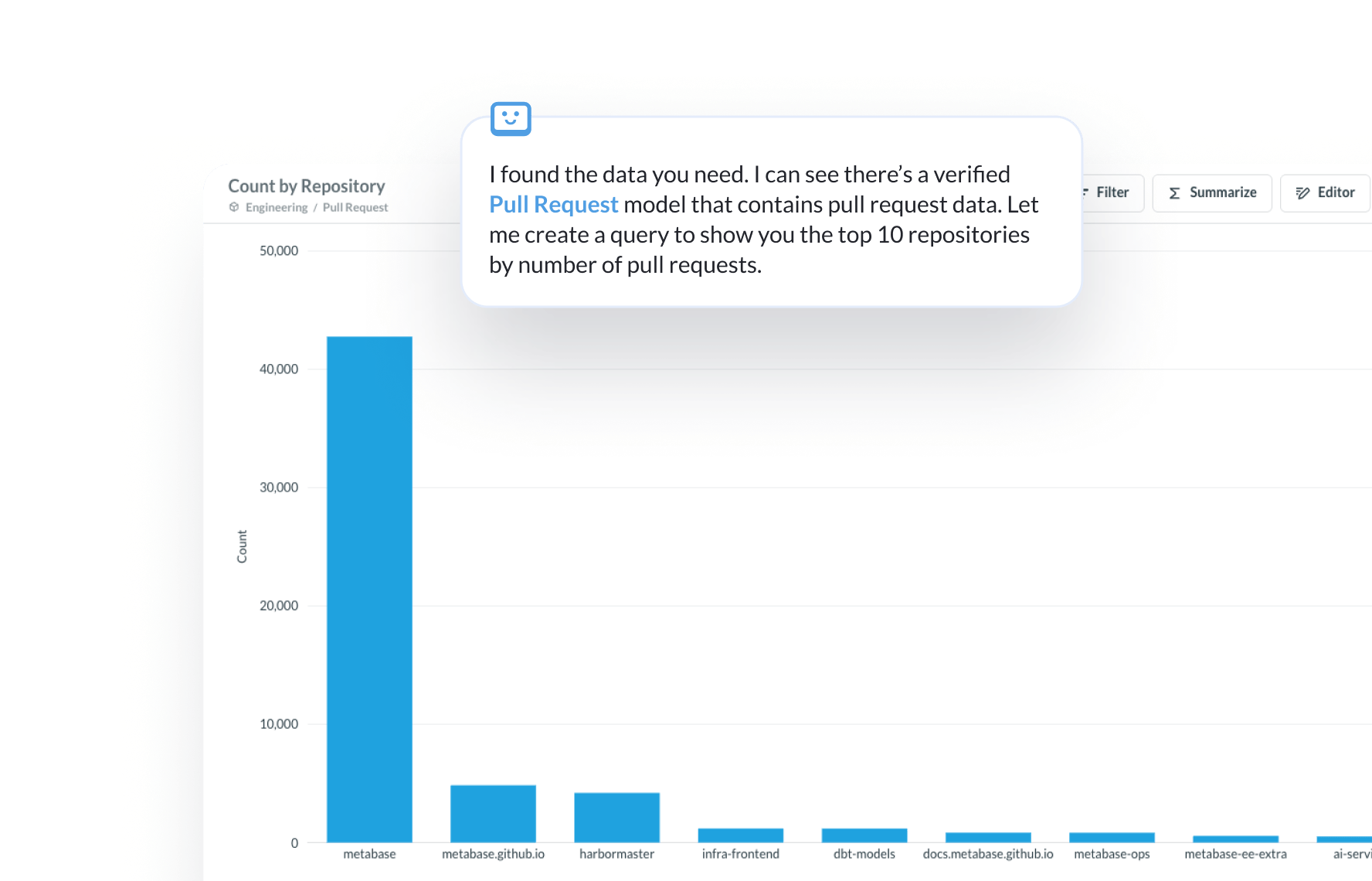
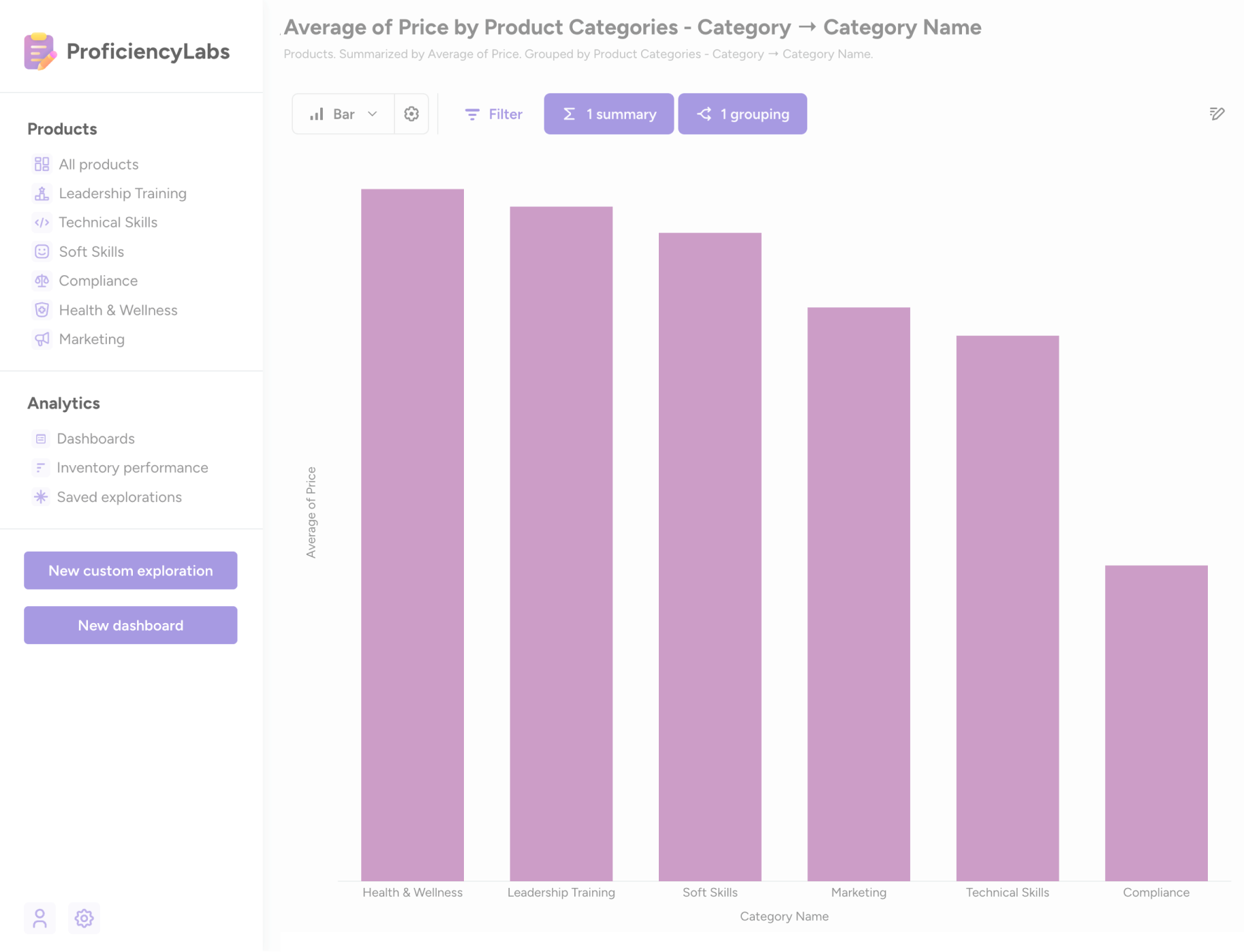
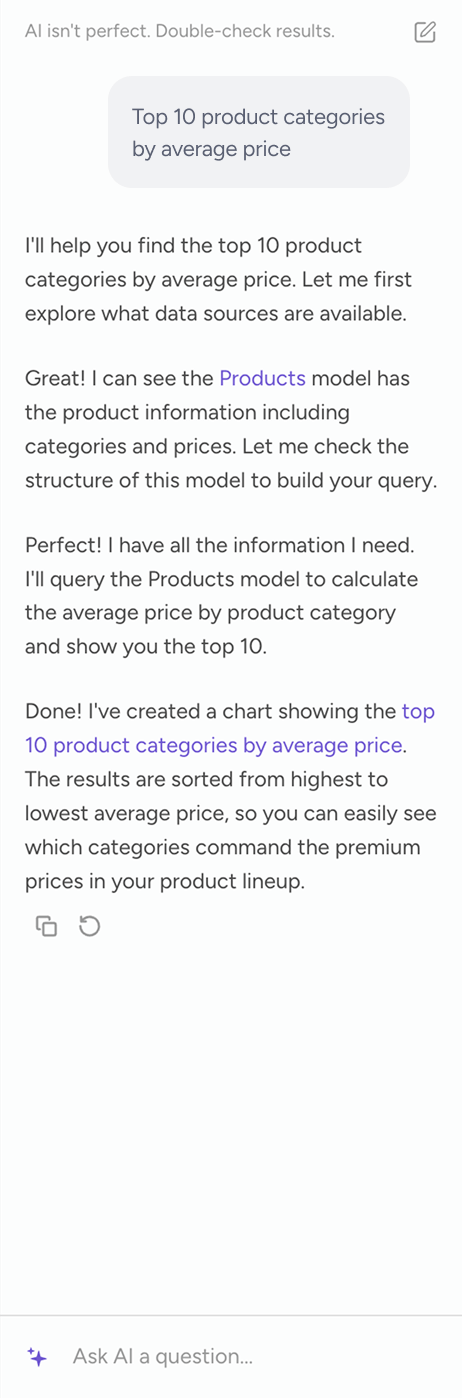
Chat with your data, get answers. Metabot builds queries using your semantic layer, returns charts and tables, and explains how it got there.
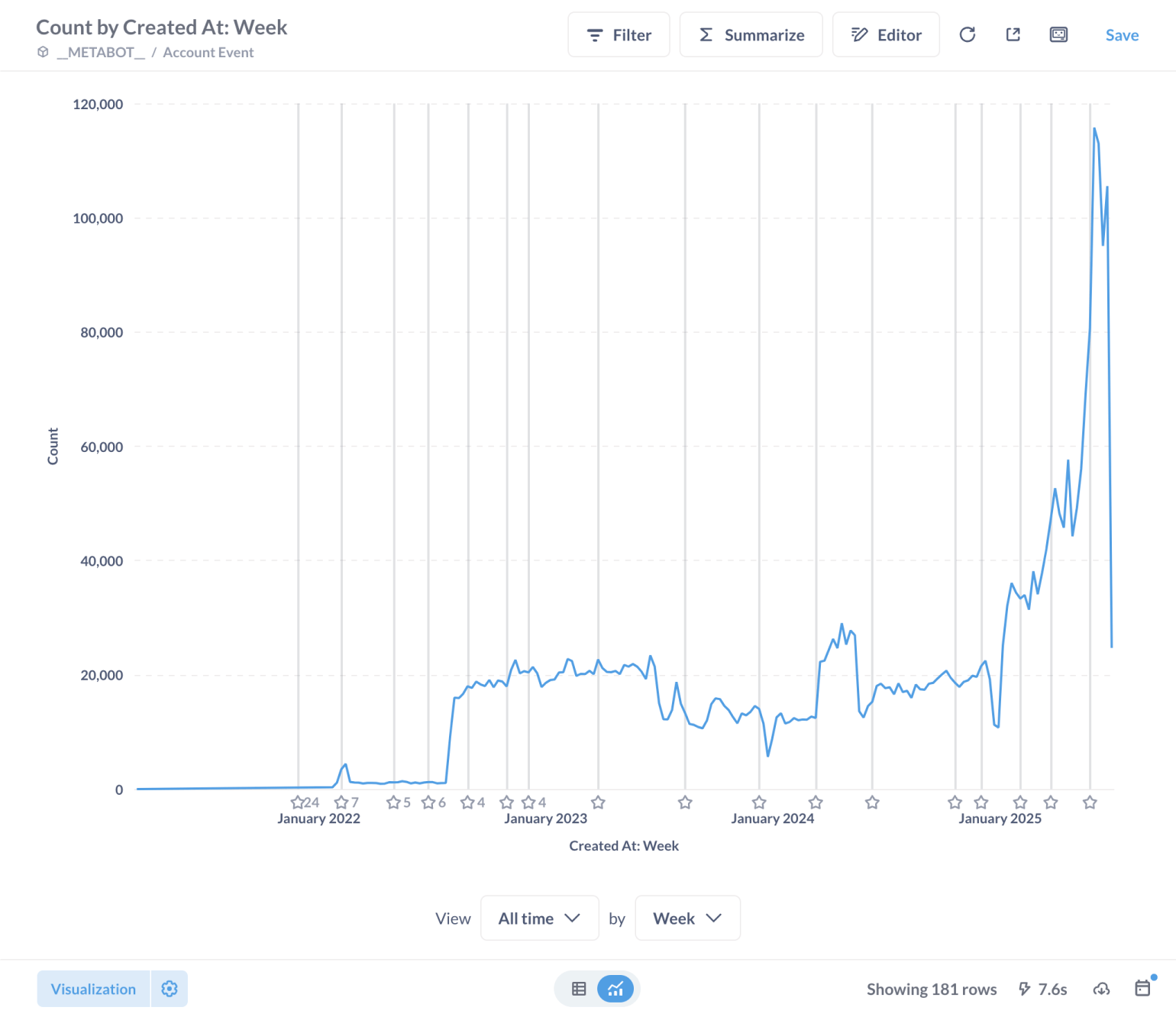
How many new accounts where created last week?
How many active users did we have in the last 6 months?
Which plans are driving the most growth?
What's our revenue this quarter?
What's the average product rating?
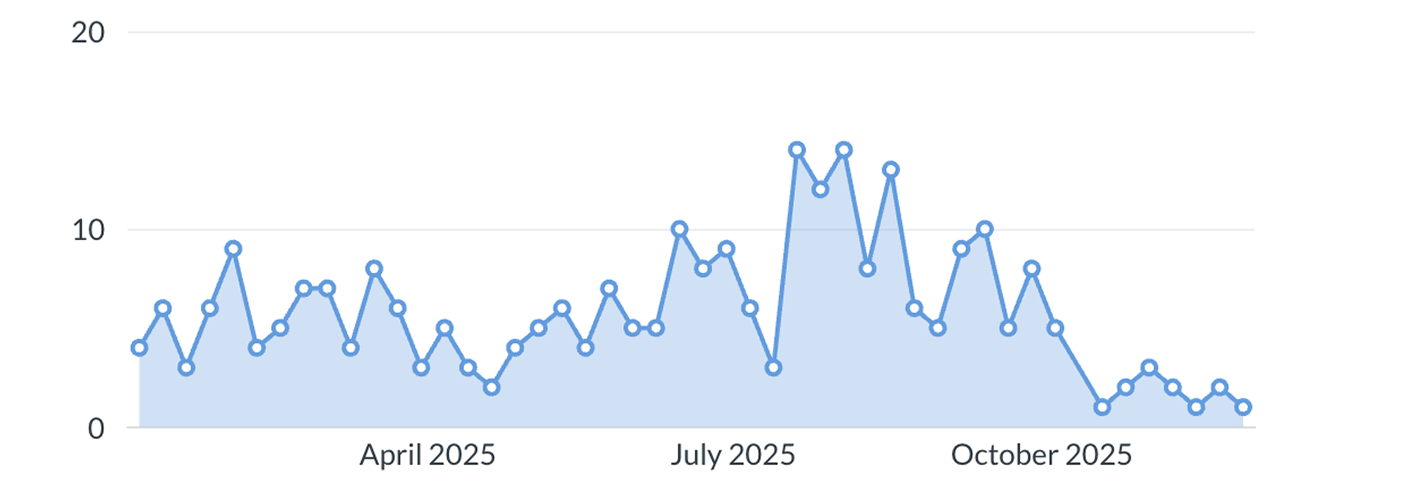
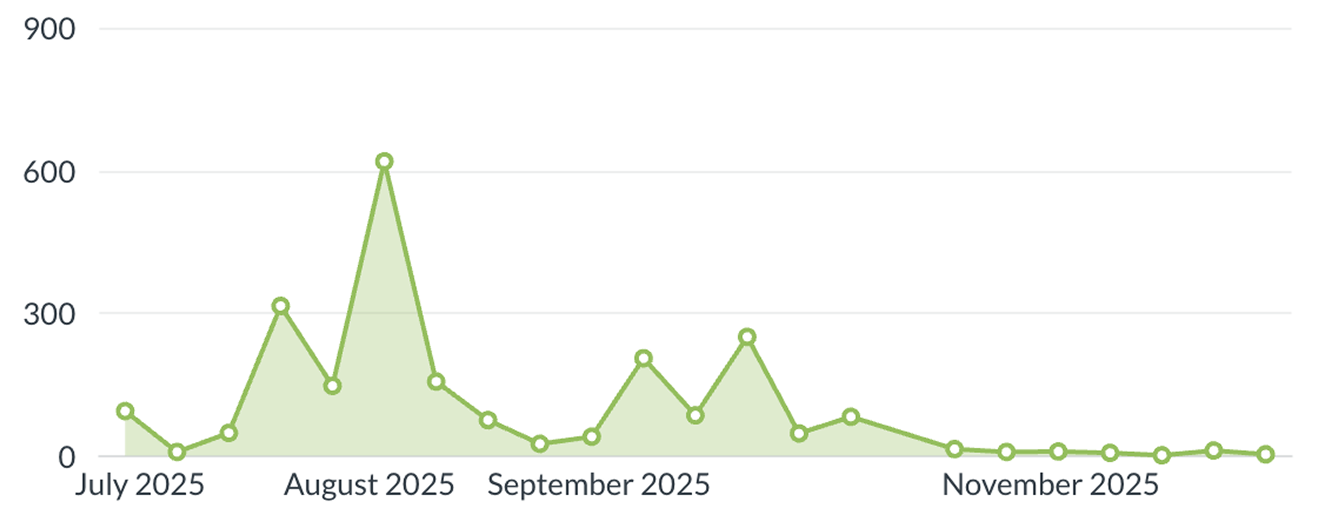
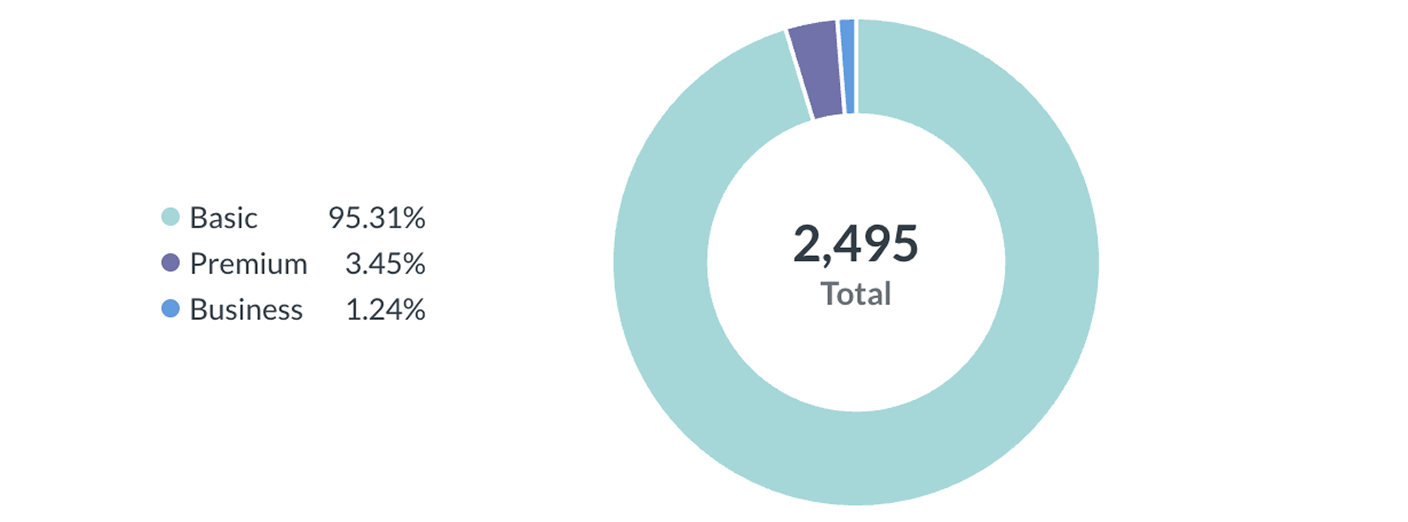
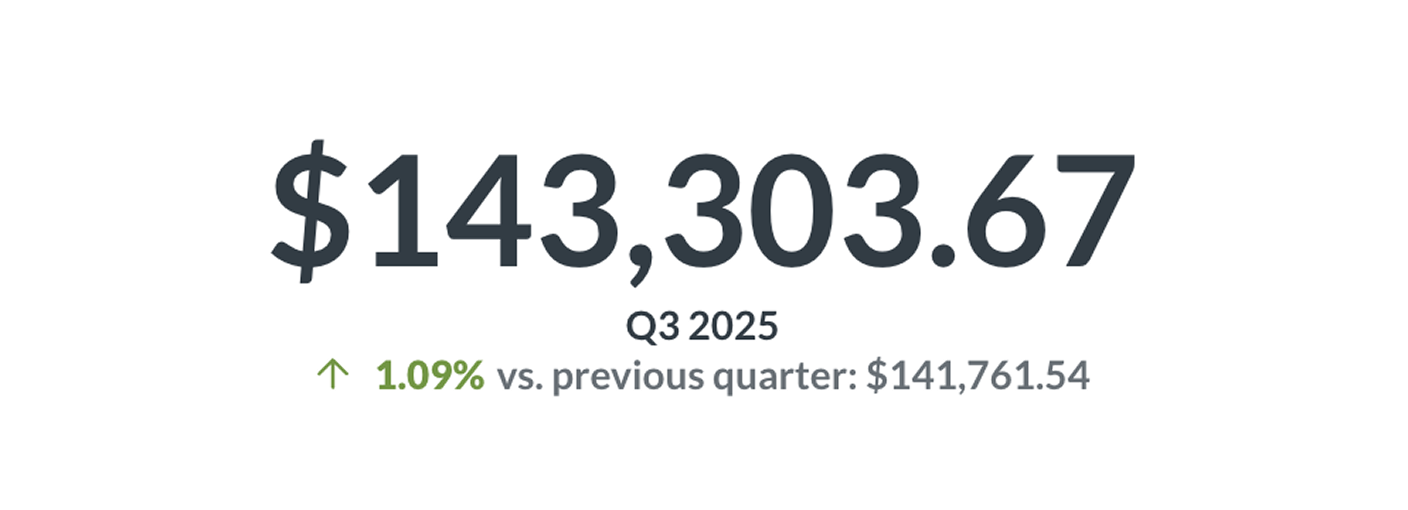

One-click summaries of any chart or dashboard. Key takeaways without copying data into an external LLM.
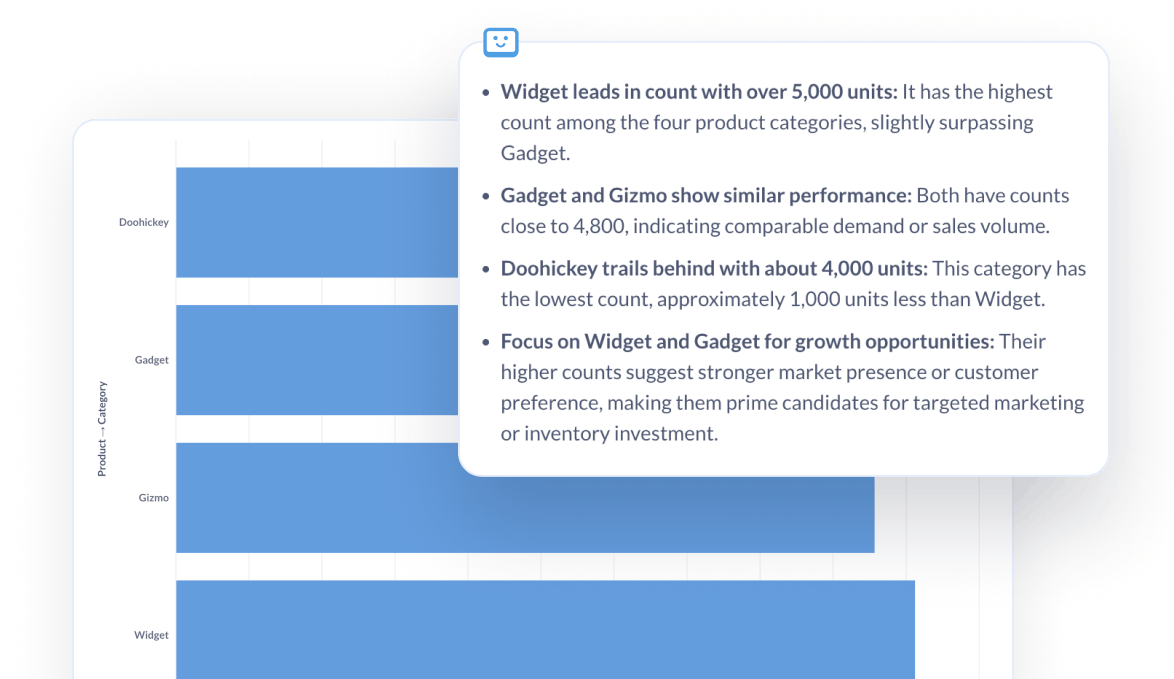
Find dashboards, questions, and models by meaning, not just keywords. Search that leads people looking for 'revenue' to the right dashboard. Even if they call it 'earnings'.
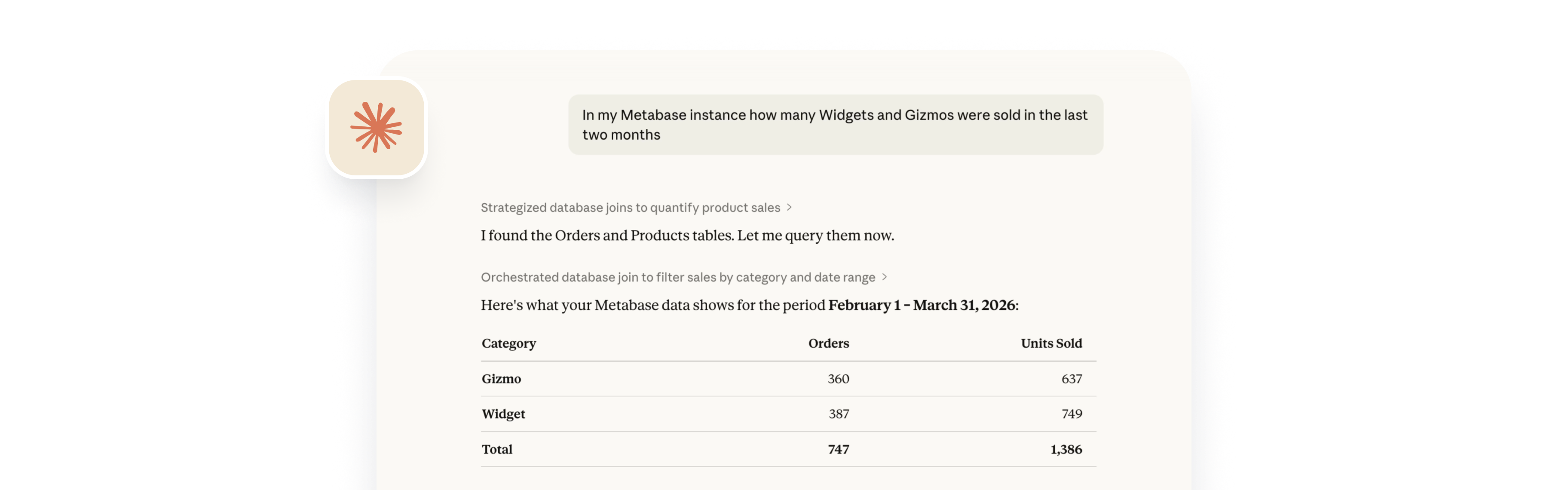
Get answers from Metabase in the tools your team uses every day.
Connect Metabase to Claude, Cursor, or any AI agent that supports the Model Context Protocol. Discover dashboards, run questions, and explore data programmatically.
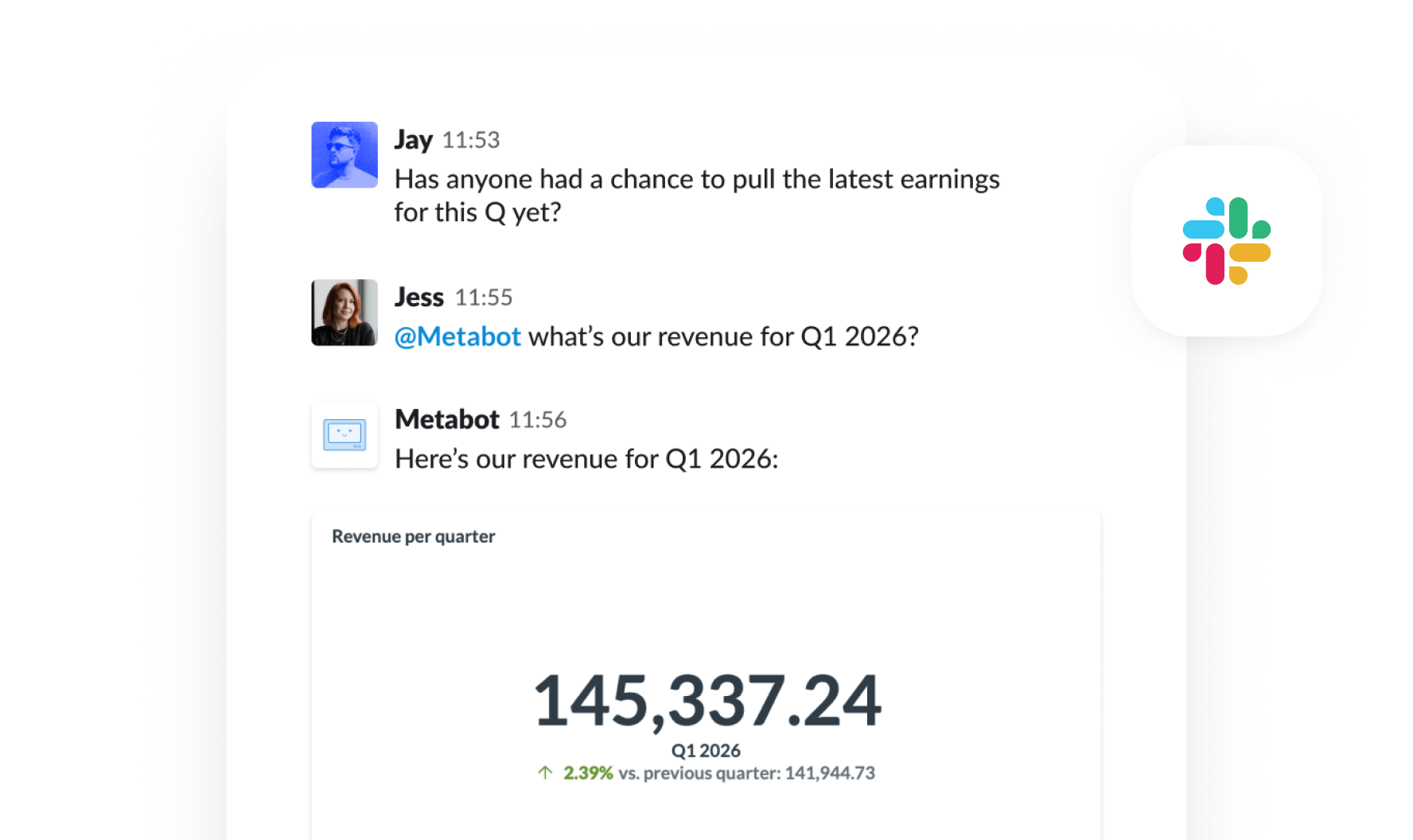
@mention Metabot in channels or DMs. Ask questions, get charts, upload CSVs to Metabase, and set up subscriptions and alerts — all without leaving Slack.
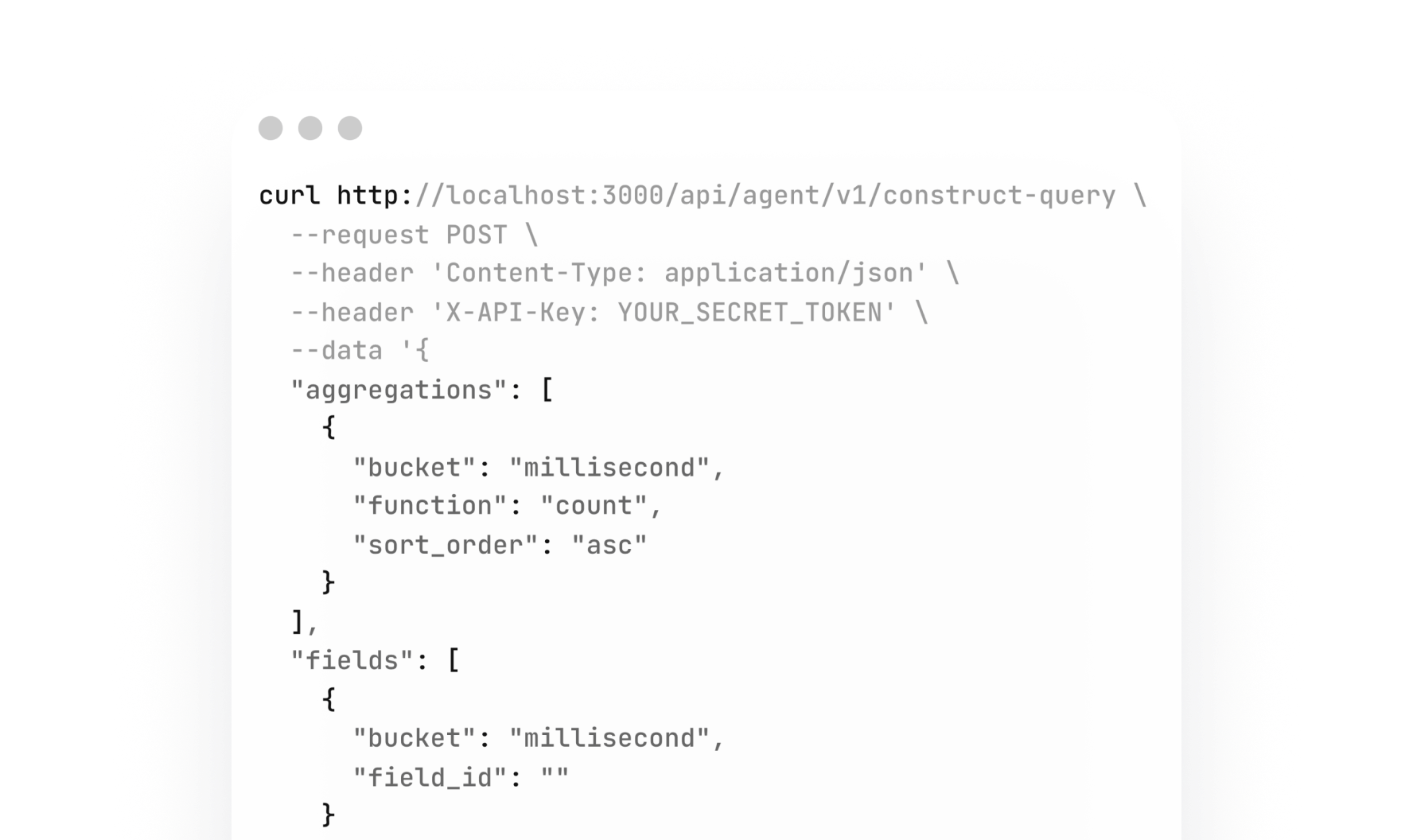
Programmatic access to build your own data agents on top of Metabase. Combine with the MCP server for end-to-end agentic workflows using your semantic layer.
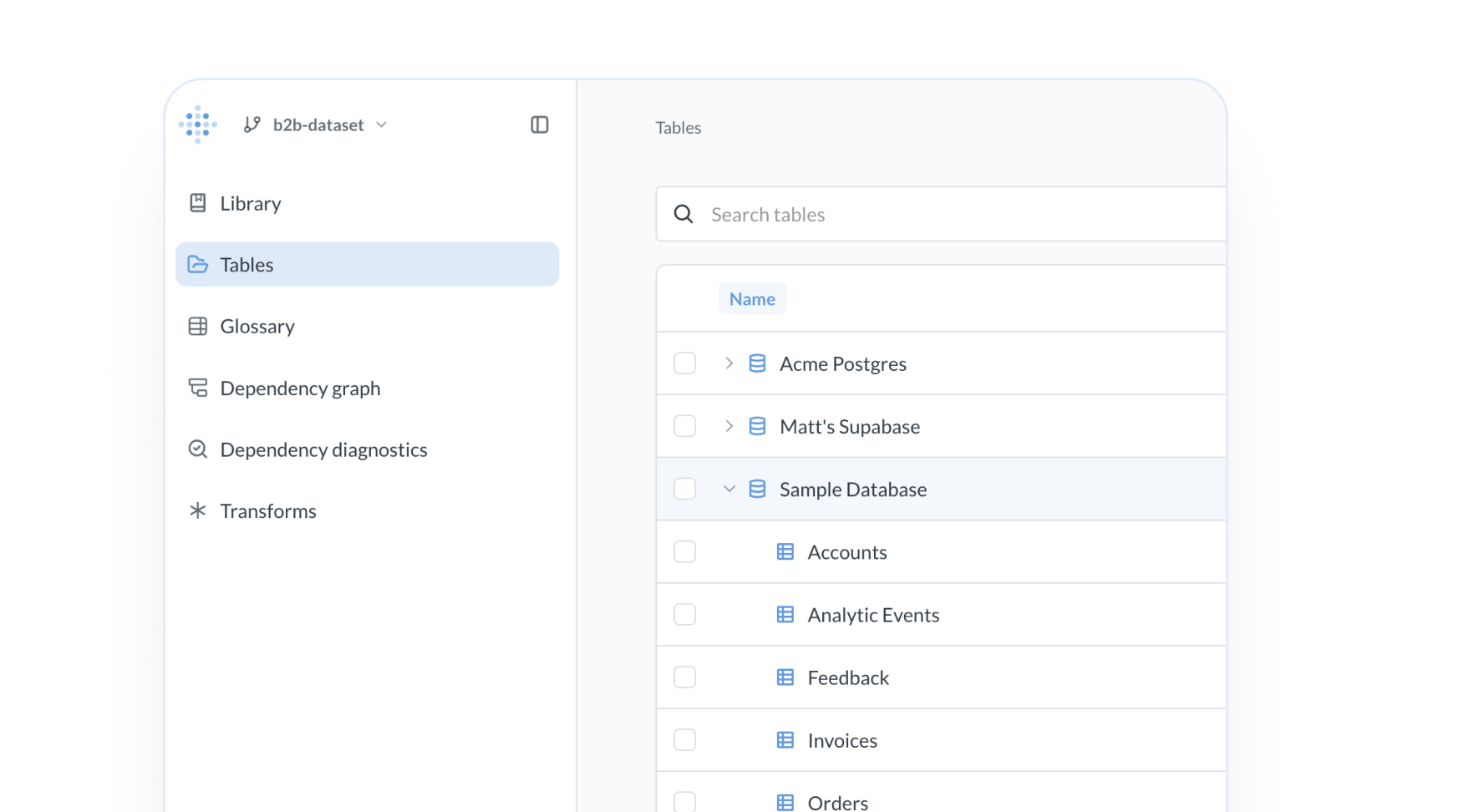
AI only works as well as the context you give it. Metabase AI answers questions using the trustworthy foundation you define in Data Studio.
Create governed data models, metrics, and business definitions. Every AI surface in Metabase uses the same logic — consistent answers whether you're in the SQL editor, sidebar chat, or Slack.
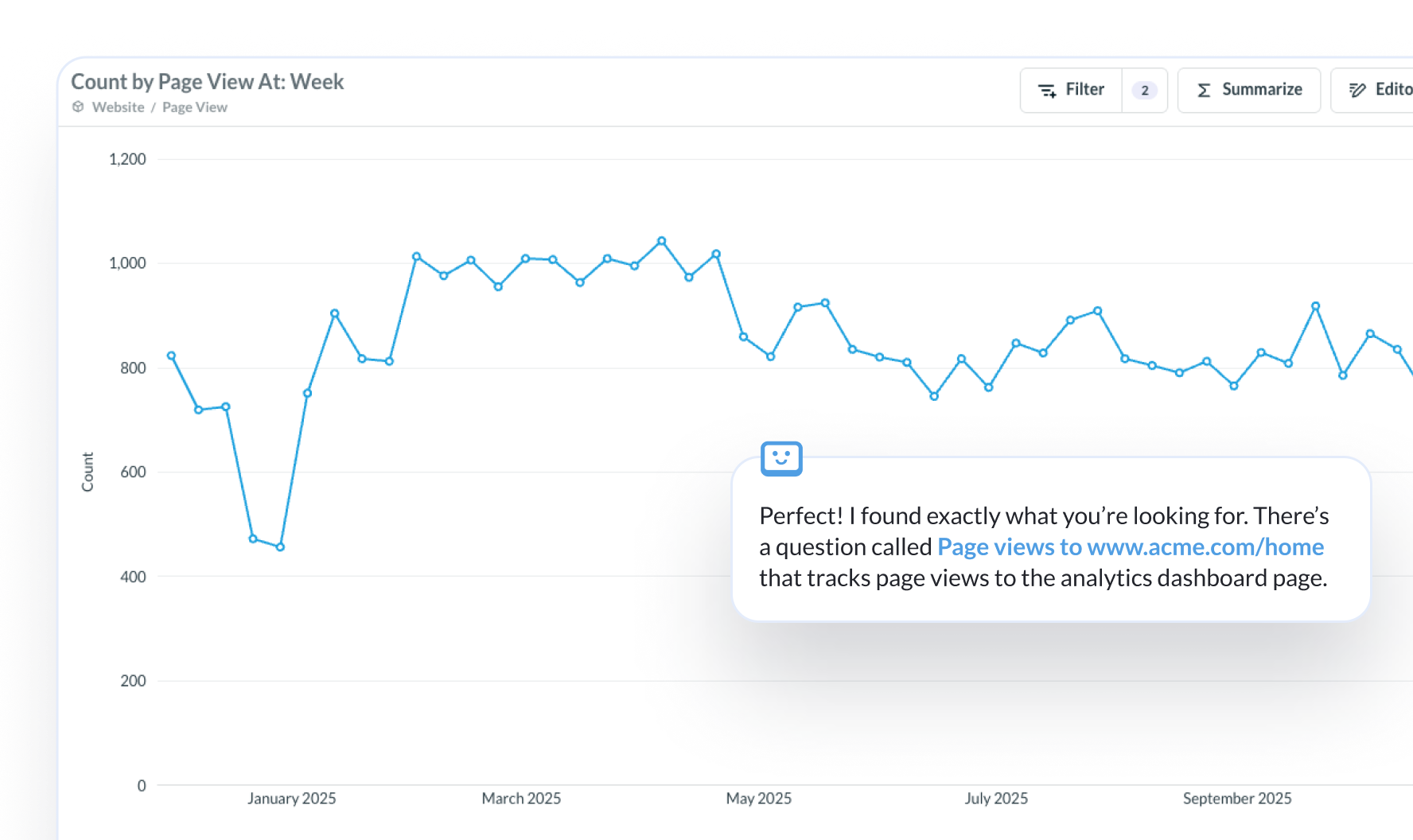
Before running a new query, AI checks for dashboards or questions your team already built. Saves compute and reduces duplicated logic.
Give your customers natural language data exploration inside your app. The Metabase SDK includes AI components you can embed directly — scoped to each customer's data and permissions.


Yes. You can bring your own key to plug in the AI provider you already use. Anthropic is supported today, with more providers coming. Switch anytime. If you don’t have a preferred AI provider, you can use the built-in model.
Yes. AI features are available in all Metabase editions, including the free open-source version. Some advanced capabilities like AI-powered semantic search and controls are available in Pro and Enterprise.
Queries run against your warehouse. Metabase doesn’t ingest, store, or sync your data. AI uses your semantic layer definitions to build queries. Your data stays where it is.
Yes. Metabase AI works in both cloud and self-hosted deployments. Self-hosted customers configure your own AI provider so everything stays in your environment.
Yes. You can embed AI-powered querying components with Modular Embedding and the SDK. You can also use agent skills that teach LLMs about how to set up embedded analytics: for things like SSO implementation, version upgrades, and migrating from one type of embedding to another.
Yep! MCP (Model Context Protocol) is an open standard that lets AI agents interact with tools. The Metabase MCP server lets Claude, Cursor, and other agents query your Metabase instance.
Yes. Metabot in Slack lets your team ask questions, get charts, upload CSVs for analysis, and manage subscriptions and alerts without leaving their chat.